
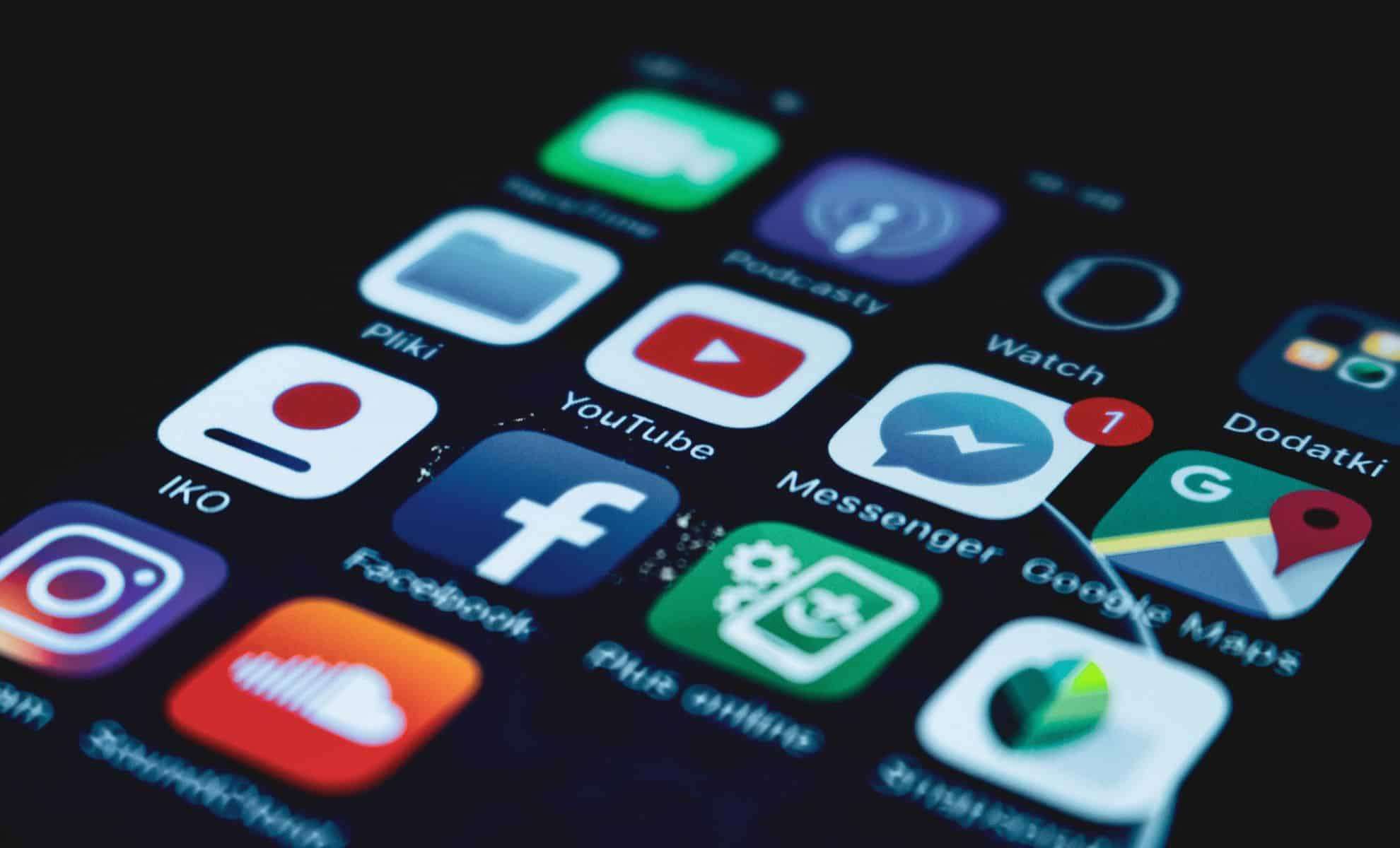
Many iPhone users habitually swipe apps away in an effort to close them, believing this tactic conserves battery and boosts device speed.
Contrary to popular opinion, a recent insider revelation from an Apple technician reveals this habit may actually have the opposite effect.
Unexpected Guidance from Within Apple
This insight surfaced when TikToker Fordy Lip Sync visited an Apple Store on April 17, 2025, seeking help with his iPhone.

During troubleshooting, Fordy asked the technician whether closing apps was advantageous. The reply stunned him: “Don’t close your apps.”
The Apple expert explained that shutting apps down demands more battery and data usage because your device must expend effort to reboot the app when reopened. Instead, the technician recommended simply swiping away to freeze apps without completely shutting them down.
Fordy had assumed closing apps actively helped his phone’s performance, but the technician clarified that swiping apps away puts them into a frozen state rather than terminating them, preventing them from consuming system resources.
How Keeping Apps Open Conserves Battery
Based on reporting by UNILAD, apps listed under “recently used” aren’t actively draining power. They remain in a standby mode, primed to open quickly without substantial battery drain.
Official Apple support forums also clarify that these apps reside in standby to facilitate multitasking but aren’t truly running.
“Every time you force close an app, it costs battery and data to restart it,” the Apple technician stated.
Therefore, leaving apps in their paused state is more energy efficient than closing and reopening them repeatedly.
Is This Really the Best Practice?
Some users express unease with leaving apps open, commenting that it feels cluttered or untidy.
Others endorse the advice, reporting smooth performance even with numerous apps active simultaneously. One user noted, “I regularly keep my apps open and over 400 Safari tabs running, yet my iPhone functions flawlessly.”
A former Apple staff member confirmed this, emphasizing that keeping apps open doesn’t increase power or data consumption, even when connected to networks.
Apple’s Official Position
Apple itself has clarified that apps shown in the recently used list are in a suspended state, not actively consuming system resources.
Apple’s guidance recommends force-closing apps only if they become unresponsive, as apps not in use remain suspended without affecting performance.
Keep Apps Open, but Use Common Sense
While leaving apps open is generally fine and may even enhance your phone’s responsiveness, it’s prudent to close apps that freeze or cause problems.
The takeaway? “Simply swipe away but leave the apps open.” When in standby, these apps don’t sap battery or data, saving energy that would be lost by reloading them each time you use them.
- Categories:
- Tech















0 comments
Sign in to Comment